Textual Physical Effect – Unreal Engine
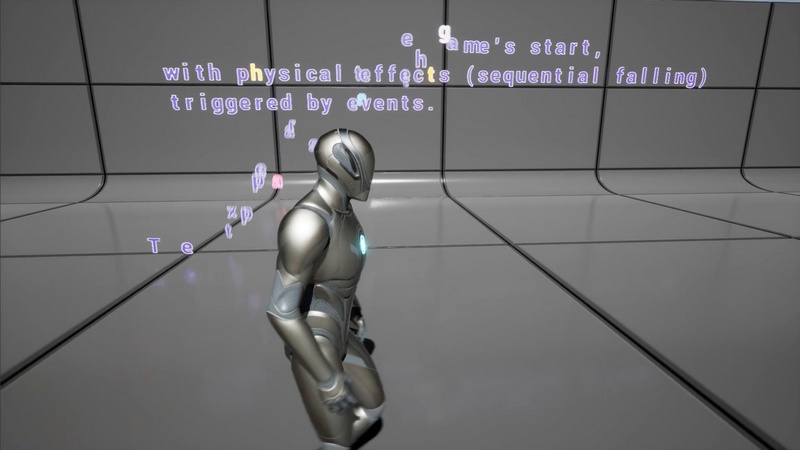
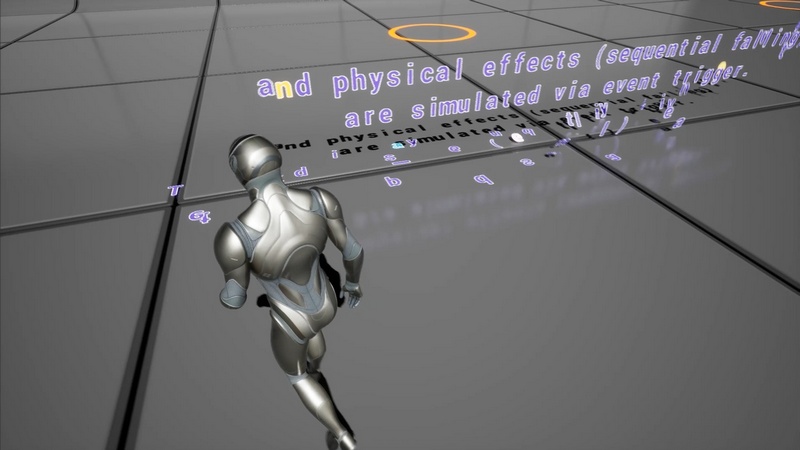
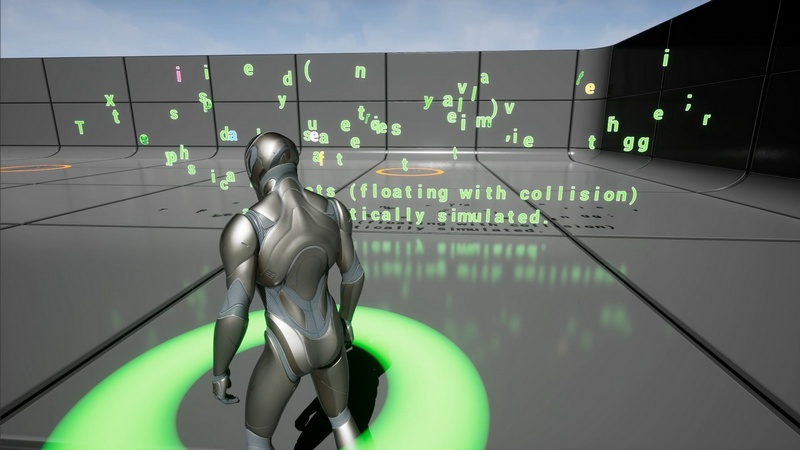
This asset includes text display methods and simulated physical effects.
Text display methods are mainly categorized as follows:
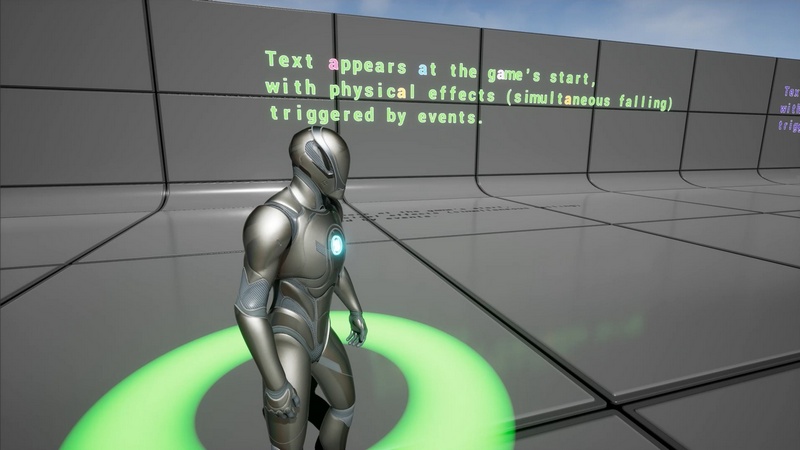
1. Displayed at the game’s start or triggered by events.
2. Text displayed sequentially or simultaneously.
3. Various display effects, including scaling up, slide, rotating, etc.
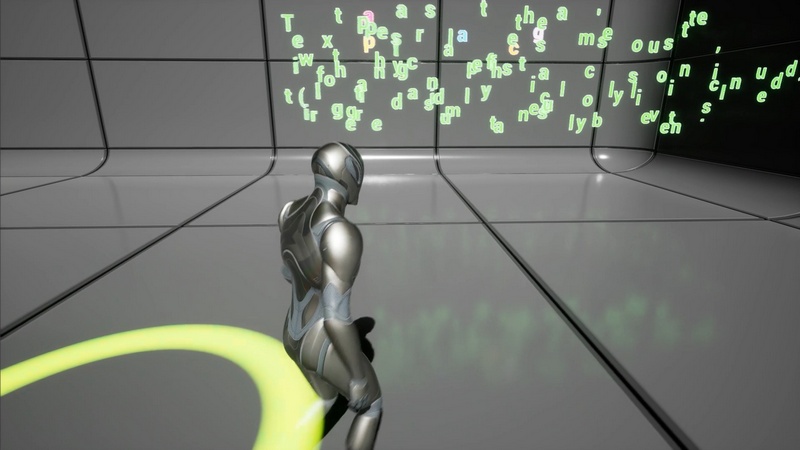
Simulated physical effects are mainly categorized as follows:
1. Triggered automatically after a certain period of time once all text is displayed, or triggered by events.
2. Sequential or simultaneous triggering of physical effects.
3. Text falling due to gravity or floating.
4. Whether the text bursts in random directions.
These diverse text display effects can help enhance the vividness of character dialogues or scene prompt text in the game.
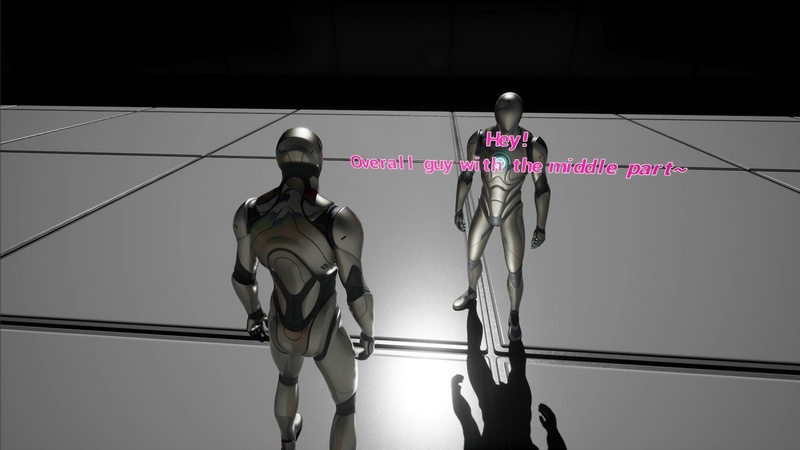
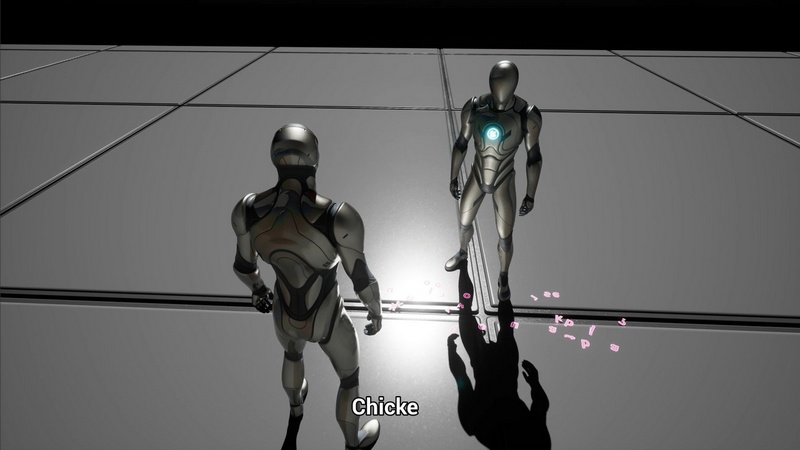
Additionally, this project provides a simple NPC dialogue example. Among them, it also includes the character-by-character display of dialogues at the bottom of the screen.
Features:
To facilitate independent settings for individual text, this asset has not yet adopted Niagara particle effects. If you intend to use the Niagara feature to display millions of text elements simultaneously with better performance, please purchase this product with caution.
Number of Blueprints:16
Input: Mouse, Keyboard or controller.
Network Replicated: (Yes/No) No
Supported Development Platforms: Windows (Yes/No) Yes, Mac (Yes/No) No
It is recommended that you read the documentation (with the link to be provided later) before purchasing. Based on the operation instructions in the documentation and your own needs, determine whether to make a purchase.
The demonstration level has used some Starter Content and VR Basic assets from the Unreal Engine Content.
Supported Unreal Engine Versions: 5.4 – 5.7

Recent Comments