Smart Modular UI – Unreal Engine
Accelerate your workflow with production-ready UI systems. Smart Modular UI extends Common UI with dynamic styling, pre-built Settings & Navigation UI systems, and a suite of “Smart” widgets—optimized for performance and gamepad support.
Stop rebuilding basic UI systems for every game.
Smart Modular UI is a robust extension of Epic’s Common UI plugin, designed to make interface creation faster, cleaner, and more scalable. Whether you are building a complex RPG menu or a simple HUD, this plugin provides the architecture you need.
Key Benefits:
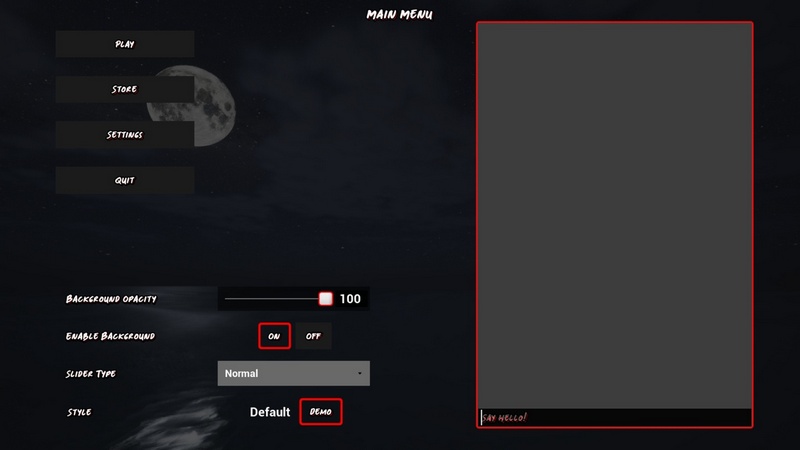
Dynamic Styling: Change your game’s look in real-time using Data Assets and Gameplay Tags.
Ready-to-Use Systems: Includes full Game Settings (Graphics, Audio, Input), Navigation (Compass/Radar), and Messaging systems.
Gamepad First: Built on Common UI for seamless cross-platform input support.
1. Core Features
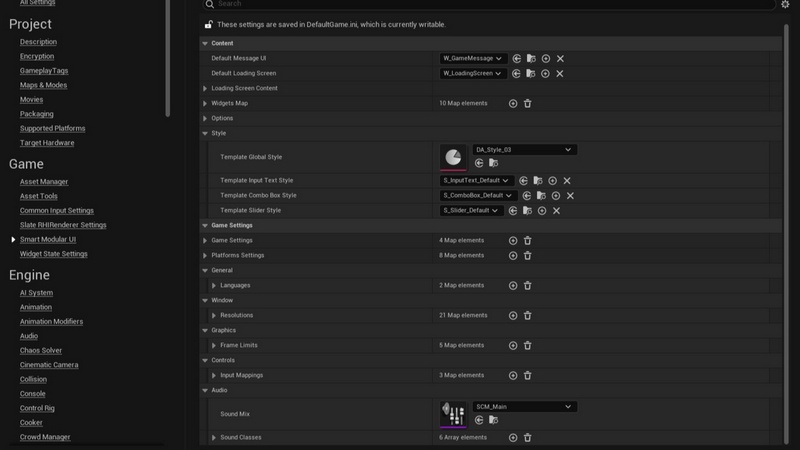
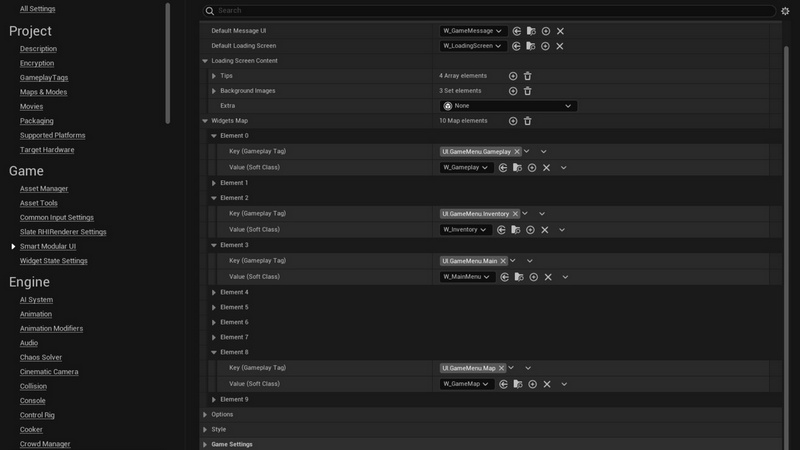
Centralized Configuration: Manage your entire UI architecture from the plugin settings.
Defaults: Define default classes for loading screens, message widgets, and notification styles.
Loading Data: Manage backgrounds, gameplay tips, and transition behavior.
Global Styling: Set master UI styles and define per-widget style classes.
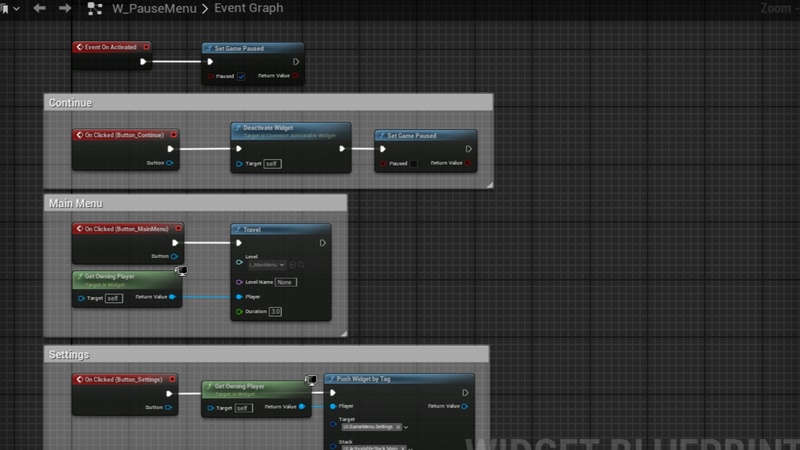
Tag-Based Menu Management: Assign menus to Gameplay Tags (e.g., UI.Menu.Pause). This allows you to push, remove, and manage menu stacks using loose tags rather than hard class references.
Dynamic Global Styling:
Real-Time Updates: Change the game’s visual language instantly without restarts.
Data Asset Driven: Styles are managed via Data Assets using Gameplay Tags (e.g., automatically switching keys for {Small, Normal, Large} text sizes).
Widget Support: Specialized style classes for InputText, ComboBox, Sliders, and more.
Advanced Game Settings Framework:
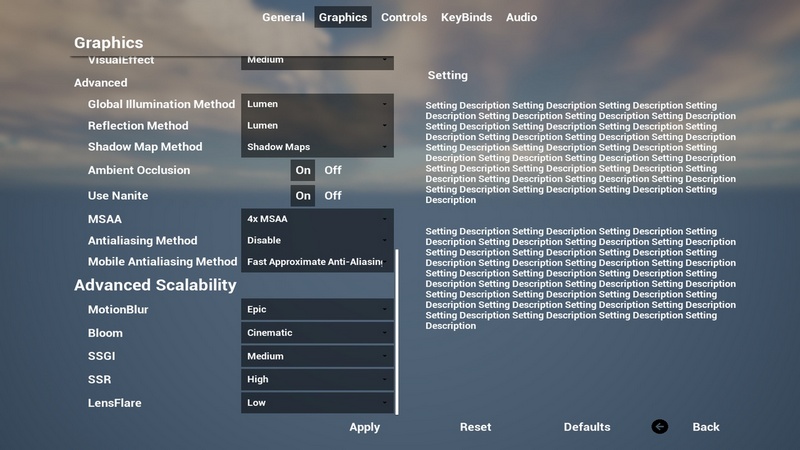
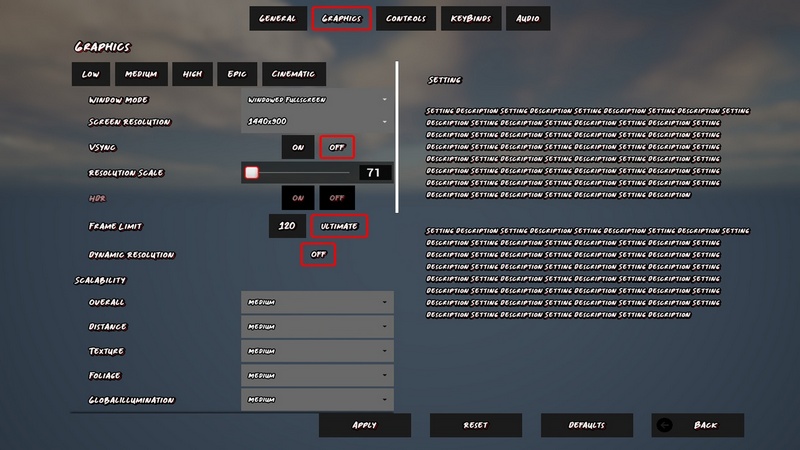
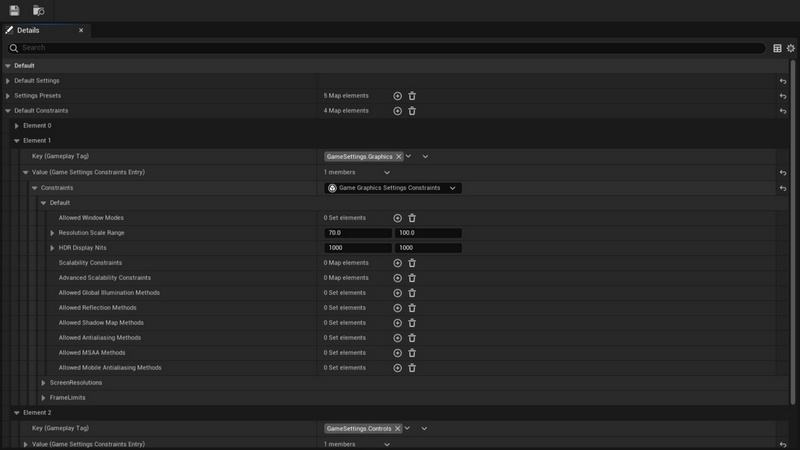
Preset Support: Built-in Data Asset support for graphics presets (Low/Med/High).
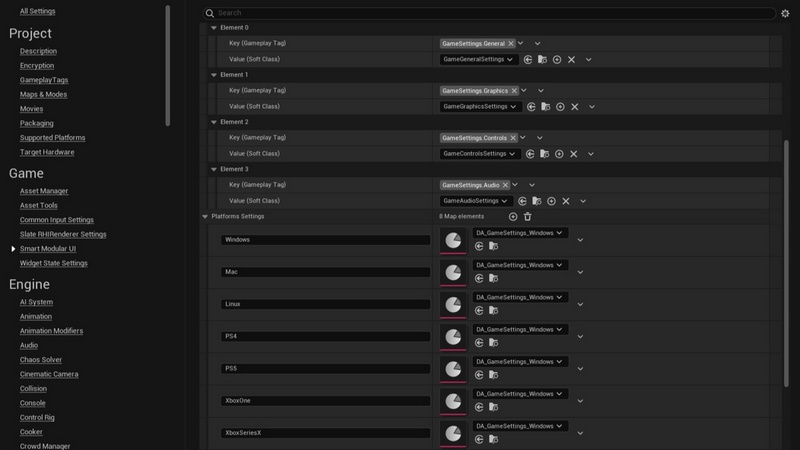
Per platform settings: Each platform can have unique settings and constraints presets.
Config-Based: Fully integrated with EngineUserSettings.ini.
Constraints: Real-time system to lock or override settings based on logic.
Auto-Generation: UI elements generate automatically based on your settings data.
Performance: Optimized for minimal overhead during tick.
2. Smart Elements
A library of Common UI extensions designed for the Global Style system.
SmartSlider: A versatile, all-in-one slider widget.
3 Modes: Switch between Linear, Radial, or Spinbox styles.
Input Support: Fully interactable with analog gamepad values.
Manual Edit: Includes an input field for direct value typing.
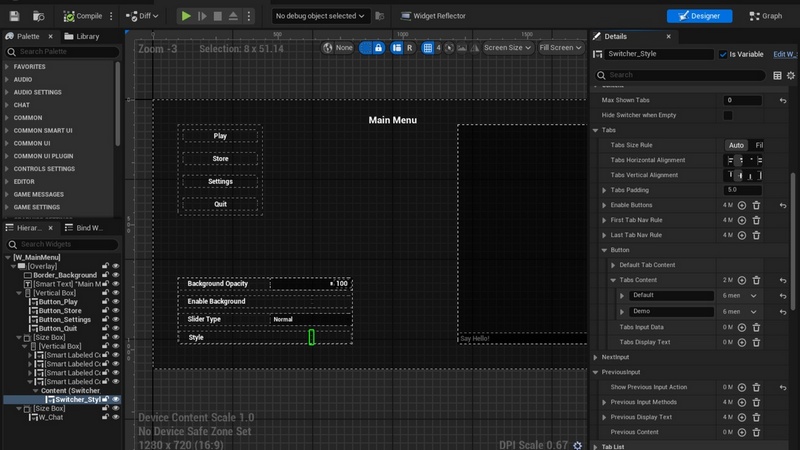
SmartSwitcher: An advanced extension of the Tabs Switcher. Works as a tab container or an options cycler (like a ComboBox but with Next/Prev buttons).
SmartLabeledContent: A workflow accelerator. Containers that pair any widget with a label automatically, eliminating the need to manually create “Horizontal Box + Text” structures for every setting.
Stylable Primitives: SmartBorder, SmartText, SmartInputText, SmartInputKeySelector, SmartComboBox, SmartButton, and SmartBoundActionButton.
3. Messaging System
Unified feedback loops callable from anywhere in your code.
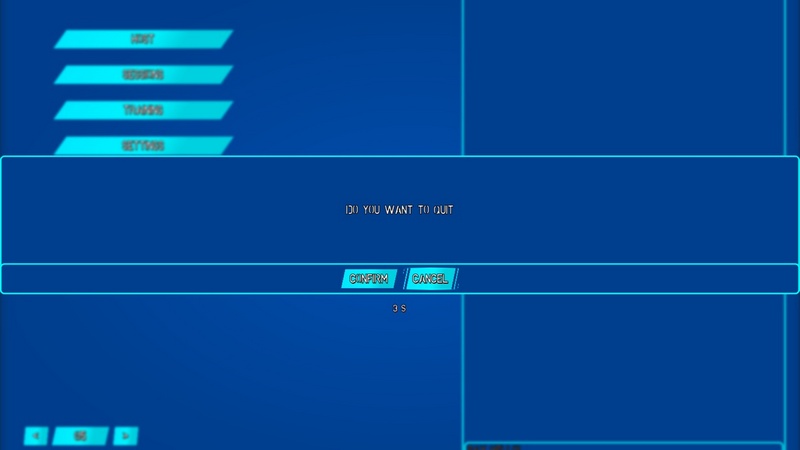
Game Message (Pop-up): A modal widget with support for selections, feedback delegates/events, and optional auto-close timers.
Notifications: A queue-based system for non-intrusive updates (e.g., Trophies, Quest Updates).
Chat: A foundational implementation of a multiplayer chat system.
4. Navigation UI
A complete spatial UI solution.
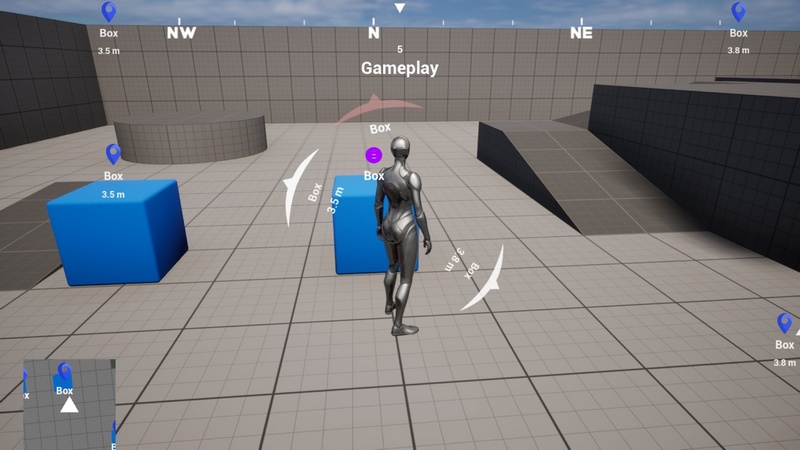
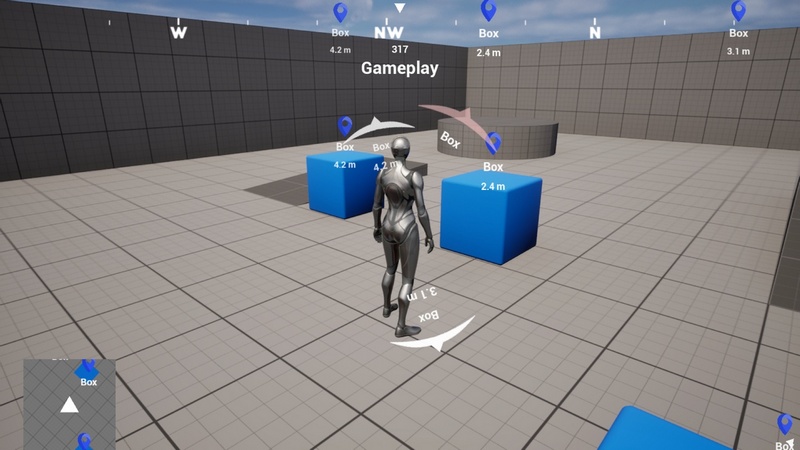
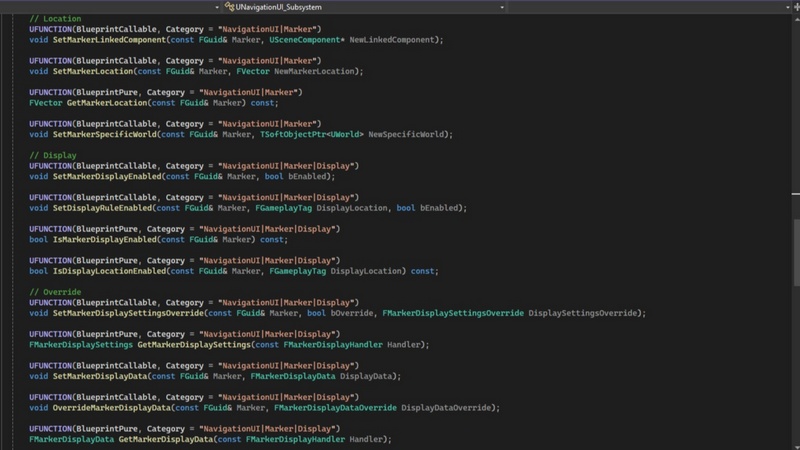
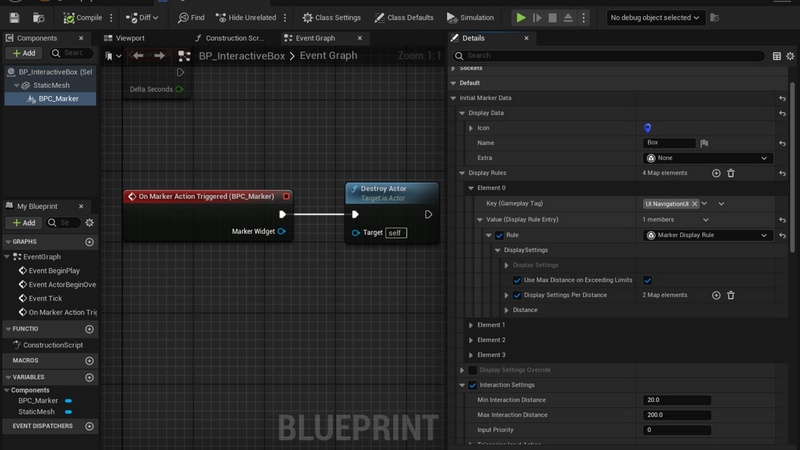
Marker System: Easily add, remove, and manage interactable markers in the world.
Display Control: Granular control over where markers appear (World Space, Radar, Compass, or Detection Panel).
Navigation Widgets: Ready-to-use widgets for Compass, Radar, and Detection Panels that auto-populate based on active markers.
5. Game Settings Logic
Pre-built logic handling the most common game options.
General: Language localization and application settings.
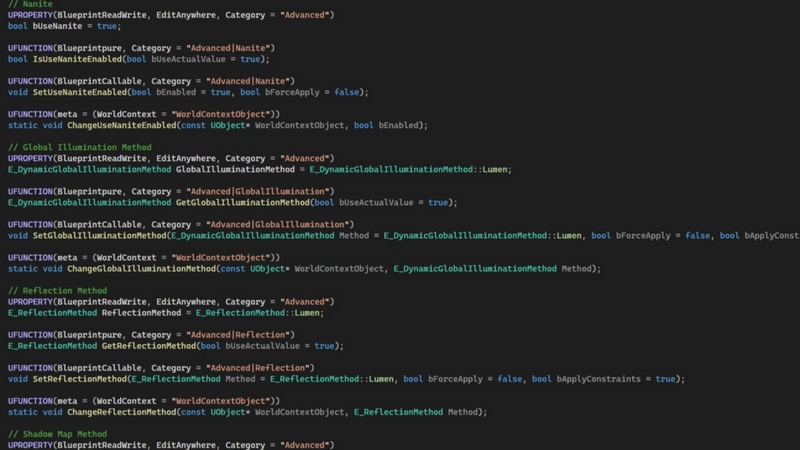
Graphics: Full wrapper for Game User Settings (Resolution, Frame Limits) and Engine Scalability (Advanced graphics).
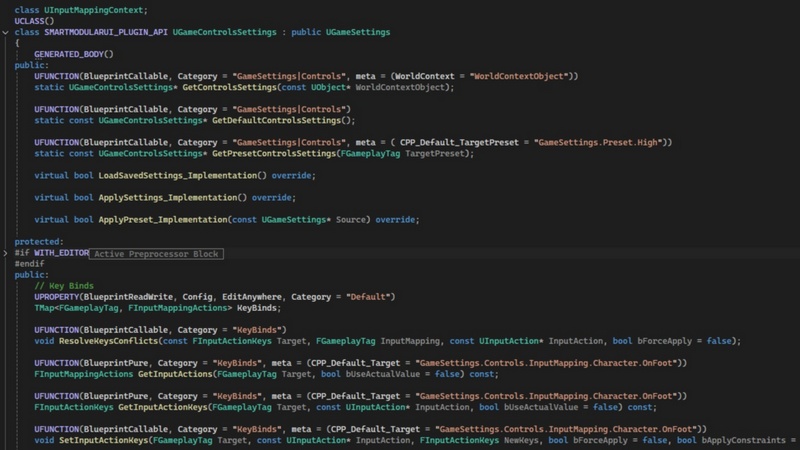
Controls: Input Mapping Context rebinds and sensitivity curves.
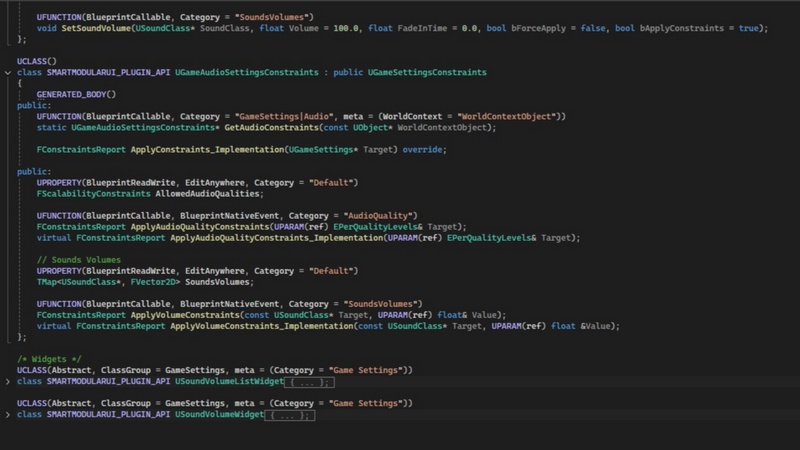
Audio: Management of Sound Classes, volumes, and quality.
Features:
Centralized Configuration
Tag-Based Menu Management
Dynamic Global Styling
Advanced Game Settings Framework
Advanced Navigation UI Framework
Gamepad support
Modular systems and classes
Code Modules:
CommonUI
EnhancedInput
StructUtils
Number of Blueprints: 35
Number of C++ Classes: 56
Network Replicated: No
Supported Development Platforms:
Windows: Yes
Mac: Yes
Supported Target Build Platforms: Win64, Mac, IOS, Android
Supported Unreal Engine Versions: 5.4 – 5.7
Example Project: https://github.com/md-alzari/SmartModularUI_Demo
Important/Additional Notes: Please watch the demonstration videos and read the documentation, and if you face any struggles, don’t hesitate to reach out to our support.
Recent Comments