Runtime Material Creator – Unreal Engine
Important note: The new Unreal engine 5.3 update broke the “Download Image” node used to import the textures used in your materials and it stopped working with local images. Therefore, Material Creator cannot be updated until I manage to find a fix for this issue. Sorry for the inconvenience.
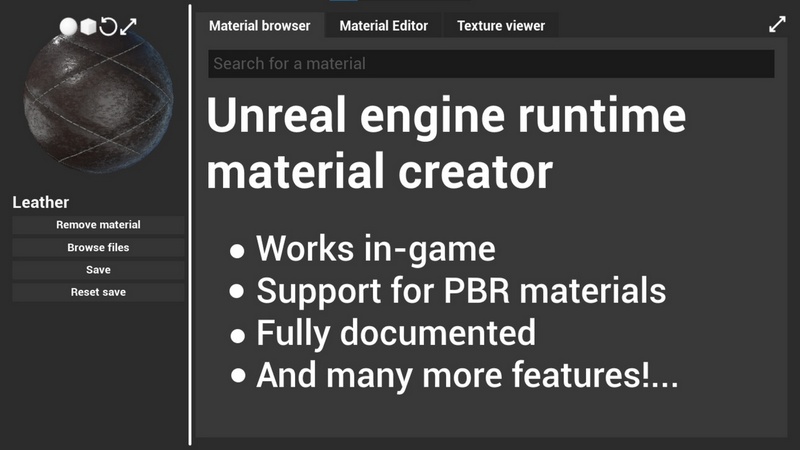
A fully functional in-game material creator!
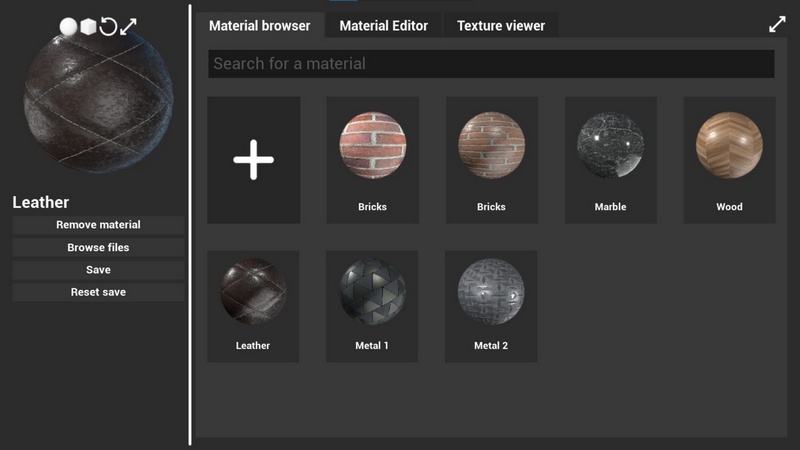
You can browse, create and edit materials directly in-game and save them on your computer as text files!
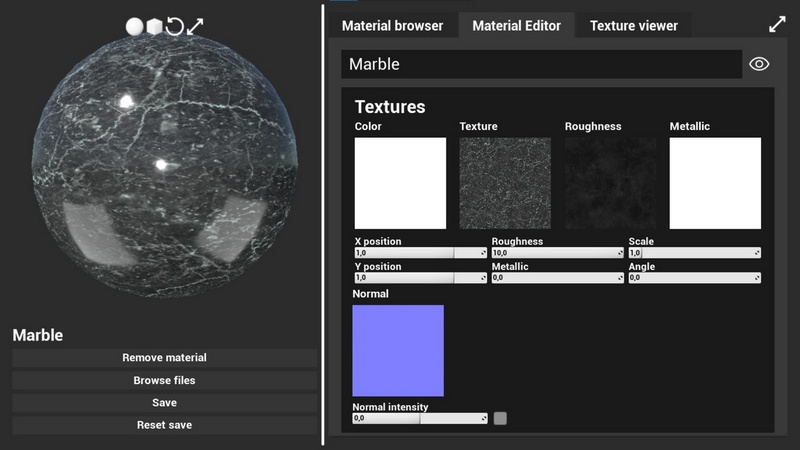
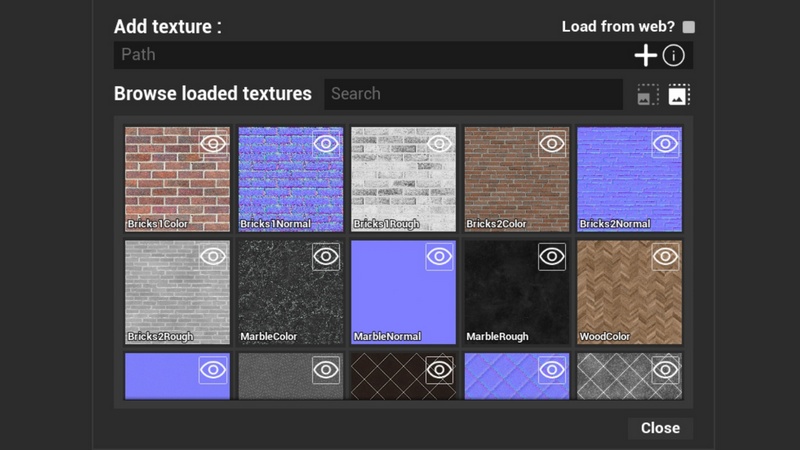
You can import textures either from your computer or from the web ! With support for texture, roughness, metallic, normal and scaling, rotation and translation.
After creating your material, you can apply it to any mesh you want.
This asset is fully documented, has a quick guide for easy implementation.
If you are using UE5.1.1, open BL_MaterialMacroLibrary in Content/RuntimeMaterialCreator/Blueprints/BP_MaterialMacroLibrary.uasset then open the AppendFilePrefix macro and change file:\\\ to file:///. Sorry for the inconvenience.
IMPORTANT
This asset uses one plugin:
Read and write file
Please download and enable this plugin first.
Notes:
Due to a bug, the material preview transparency doesn’t work in 5.1. If you are still using 5.1, you’ll have to stick with a black background for the preview.
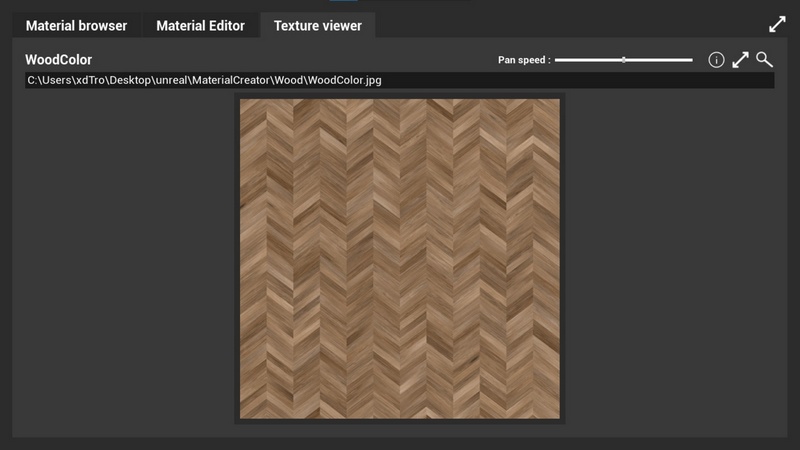
The textures shown in the pictures are not included.
Features:
Material browser
Automatic thumbnail generation
Material preview
Material editor
Real-time editing
Texture viewer
Texture browser
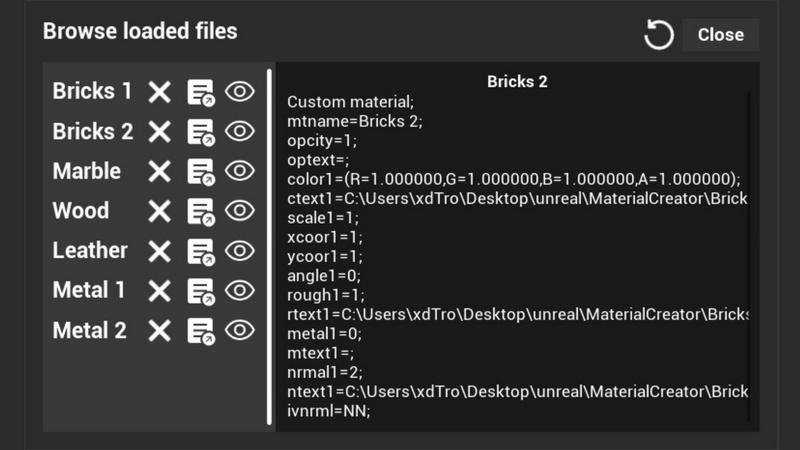
File viewer
Export created materials to text files
Import materials from text files
Import textures from computer or from the web
Support for SaveGame already coded (Save, load and clear)
And many more!….
Number of Blueprints: 21
Input: Keyboard, mouse
Network Replicated: No
Supported Development Platforms:
Windows: Yes
Mac: Yes
Supported Unreal Engine Versions: 5.1 – 5.2
Important/Additional Notes: This plugin uses the Read and write file plugin, please add it to your project first.



Recent Comments