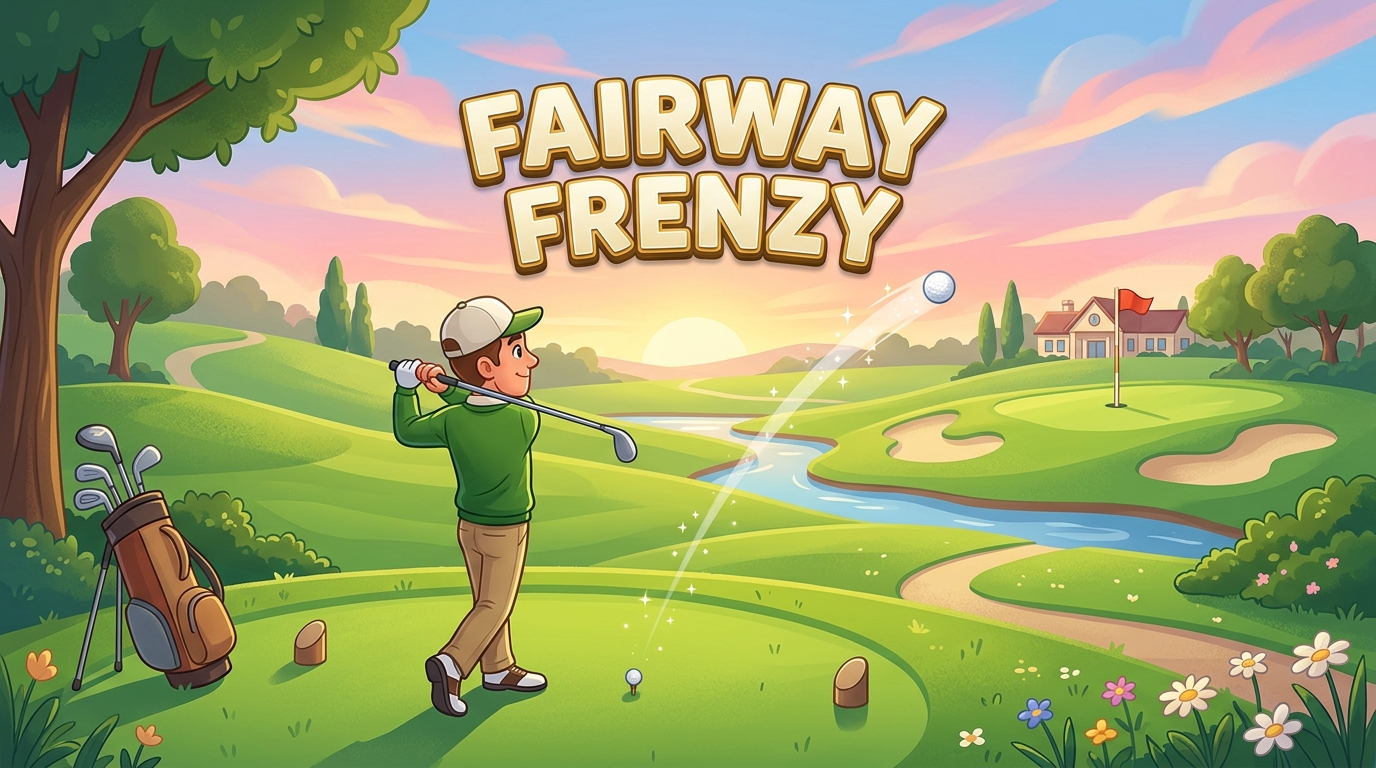
Download Udemy – Unity 2D Game Development: Build a Complete 2D Golf Game. Master Unity 6, C# scripting, level design, and drag-and-shoot physics by creating a fully playable mini-golf game
What you’ll learn
Build a complete, fully playable 2D golf game from scratch in Unity.
Write beginner-friendly C# scripts to control game logic and mechanics.
Implement a dynamic, physics-based “drag and shoot” control system.
Design engaging 2D environments and construct multiple playable levels.
Create interactive UI screens, including Main Menus and level transitions.
Integrate sound effects and background music to polish the game feel.
Manage game flow, such as detecting when the ball enters the hole to trigger a win.
Requirements
A Windows PC or Mac capable of running Unity
no prior programming or C# experience is required—everything is taught from scratch.
Description
Are you ready to dive into the world of game creation but don’t know where to start? Welcome to the ultimate beginner’s guide to 2D Game Development in Unity. Whether you are an aspiring game developer, a hobbyist, or someone looking to learn C# programming through practical application, this course is designed to take you from absolute zero to a fully functioning, polished game. By the way, you can download hundreds of ready-to-use 2D assets for Unity from our site!
In this hands-on, project-based course, we skip the dry theory and get straight to building. You will learn the fundamentals of the Unity 6 engine by creating a complete 2D Golf Game from scratch. By focusing on a single, engaging project, you will master essential game development concepts step-by-step. You will program a dynamic “drag-and-shoot” mechanic—teaching you how to handle mouse input, calculate trajectory, and launch the golf ball across custom-designed levels, aiming for the perfect hole-in-one.
We will cover every aspect of the game development pipeline to ensure you walk away with a complete product. You will learn how to harness Unity’s 2D physics system (Rigidbody2D and Colliders) to make the ball bounce, roll, and interact naturally with the world. From there, we will dive deep into Level Design, teaching you how to craft beautiful, challenging 2D environments and string together multiple stages for your players to conquer.
Because a great game requires more than just mechanics, we dedicate entire sections to game presentation. You will learn how to build professional, interactive UI Menus, including start screens, level selection interfaces, and in-game overlays. Finally, we will bring your project to life by integrating immersive Audio—from the satisfyingthwack of the golf swing and environmental sounds to background music and victory chimes.
What You Will Learn
Navigate the Unity engine and master its core interface and workflow.
Write clean, beginner-friendly C# code to drive 2D game mechanics.
Implement complex 2D physics, including a custom drag-and-shoot slingshot system.
Design engaging environments and structure multiple levels using Unity’s 2D toolset.
Create fully functional UI systems, including Main Menus and level transitions.
Integrate audio clips, sound effects, and music to enhance game feel and polish.
Build, organize, and structure a complete project ready for your developer portfolio.
Who this course is for
Absolute beginners with no prior coding or Unity experience.
Aspiring game developers looking for a fun, step-by-step first project.
Anyone wanting to learn C# programming in a visual, hands-on way.
Hobbyists interested in understanding 2D physics, UI, and level design.
Creators looking to build a fully playable, polished game for their portfolio.

Recent Comments