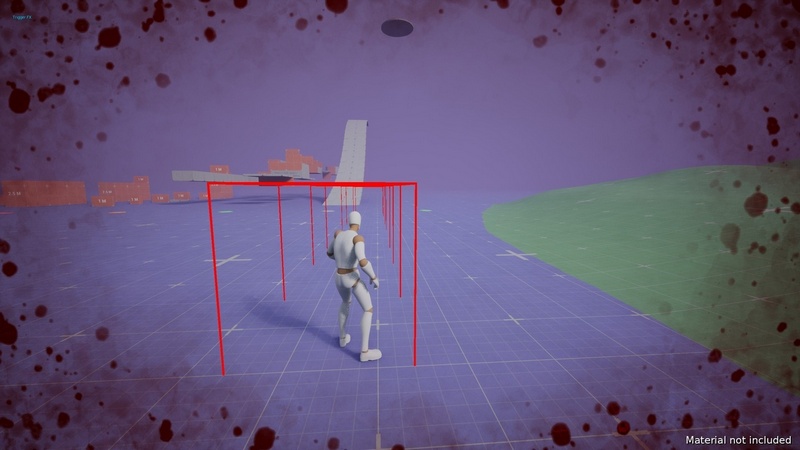
Agentic FeedbackFX (ScreenFX, HitStop, Impact Frames, Haptics, Shakes) – C++ – Unreal Engine
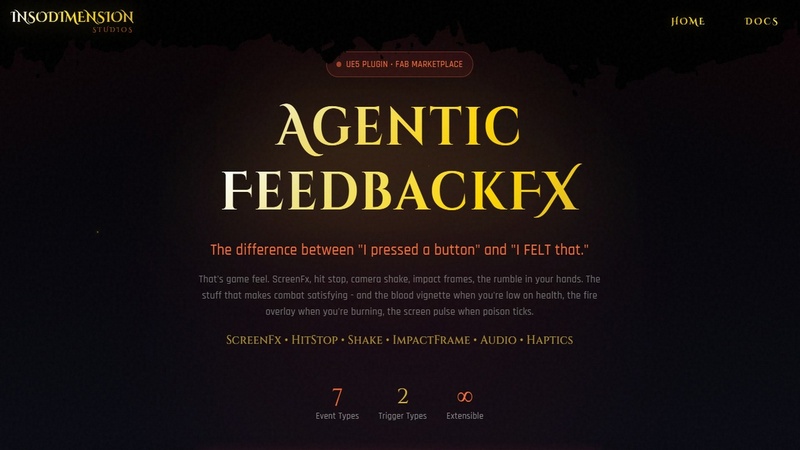
The difference between “I pressed a button” and “I FELT that.”
That’s game feel. ScreenFx, hit stop, camera shake, impact frames, the rumble in your hands. The stuff that makes combat satisfying – and the blood vignette when you’re low on health, the fire overlay when you’re burning, the screen pulse when poison ticks.
Note: Includes 1 sample post-process material. This plugin is the system – pair it with your own materials or asset packs for the full effect (more below)
C++ Native | Multiplayer-Safe | Data Asset Config
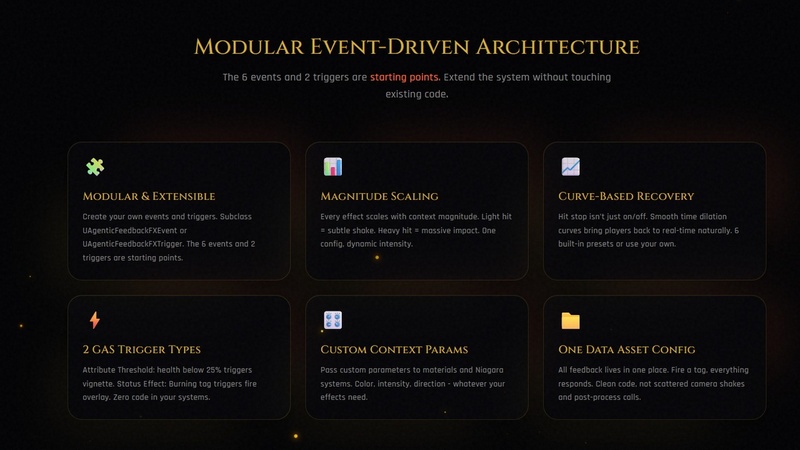
Modular Event-Driven Architecture
Create custom events. Create custom triggers. Everything lives in one Data Asset config – not scattered across your codebase.
– Custom Events – Subclass `UAgenticFeedbackFXEvent` for new screen effects
– Custom Triggers – Subclass `UAgenticFeedbackFXTrigger` for new automation
The 6 events and 2 triggers are starting points. Extend the system without touching existing code.
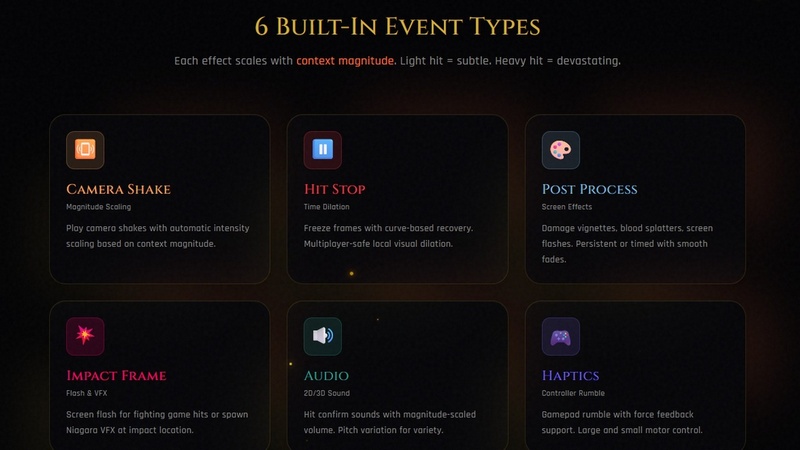
The 6 Built-In Event Types
– Camera Shake – Magnitude-scaled shakes with curve support and coordinate space options
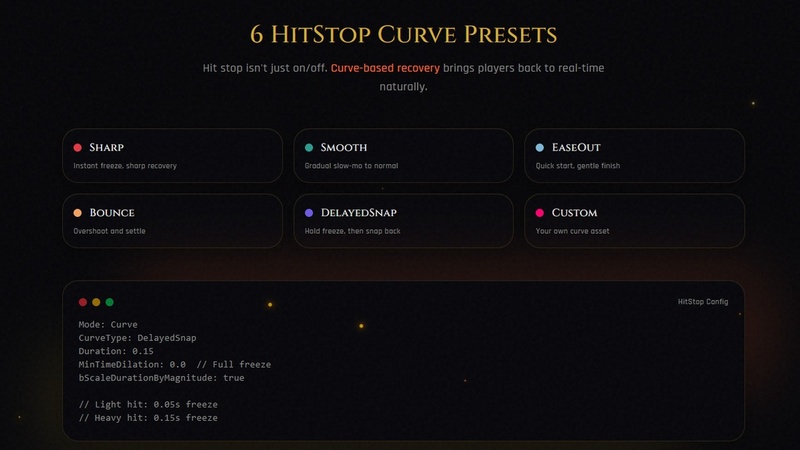
– Hit Stop – Time dilation with 6 recovery curves, multiplayer ready
– Post Process (Temp) – Blood splatter, screen flash, damage vignette with auto-fade. Pass custom params to materials.
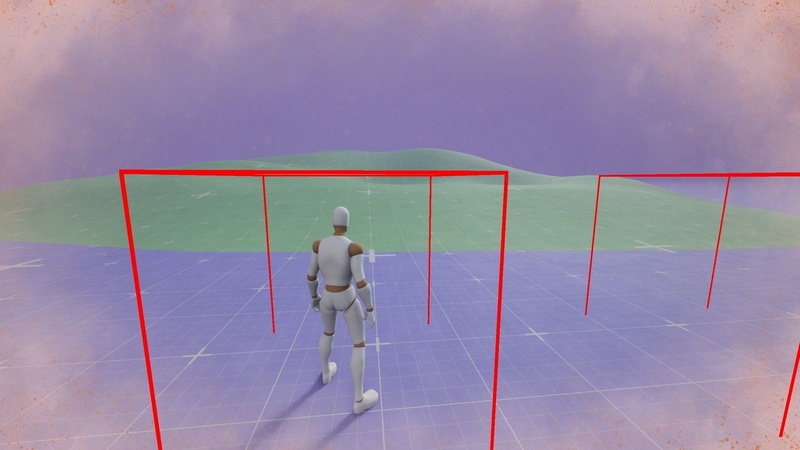
– Post Process (Persistent) – Low health vignette, status effects that stay until removed
– Impact Frame – Screen flash or Niagara VFX at impact location. Pass custom params to Niagara systems.
– Audio – 2D/3D sounds with magnitude-scaled volume and pitch variation
– Haptics – Controller rumble with large/small motor control and force feedback support
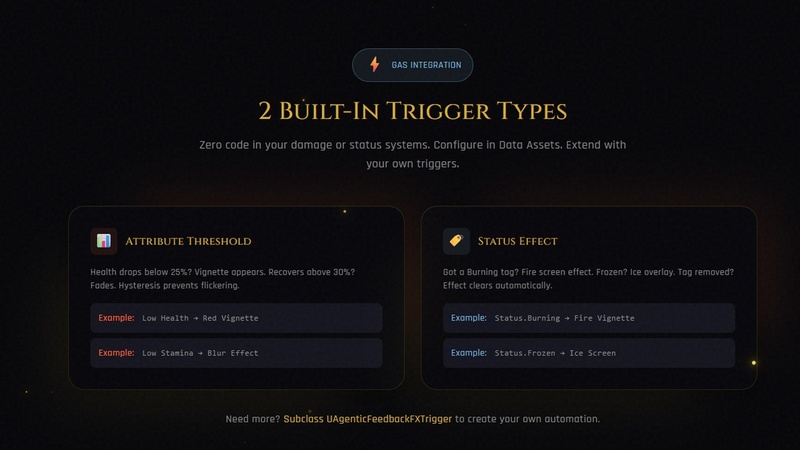
Automatic GAS Triggers
Two trigger types built-in:
– Attribute Threshold – Health drops below 25%? Vignette appears. Recovers above 30%? Fades. Hysteresis prevents flickering.
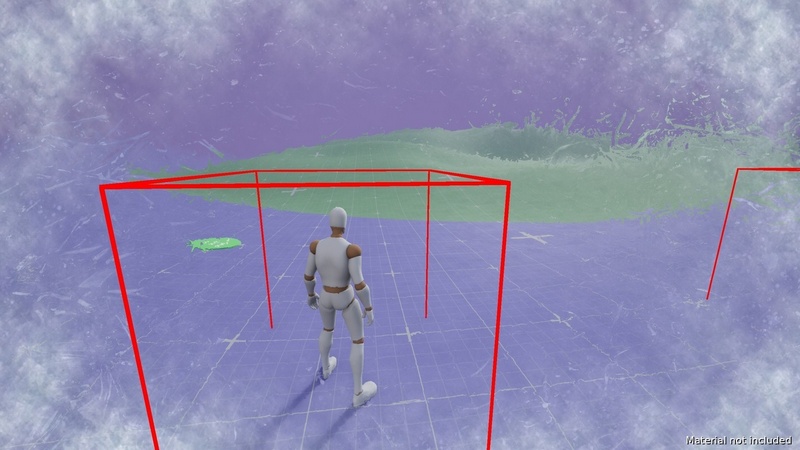
– Status Effect – Got a Burning tag? Fire screen effect. Rooted? Dust vignette. Tag removed? Effect clears automatically.
– Create via Blueprints – Easily bind to any events via blueprints
Zero code in your damage or status systems. Configure in Data Assets.
What You Get:
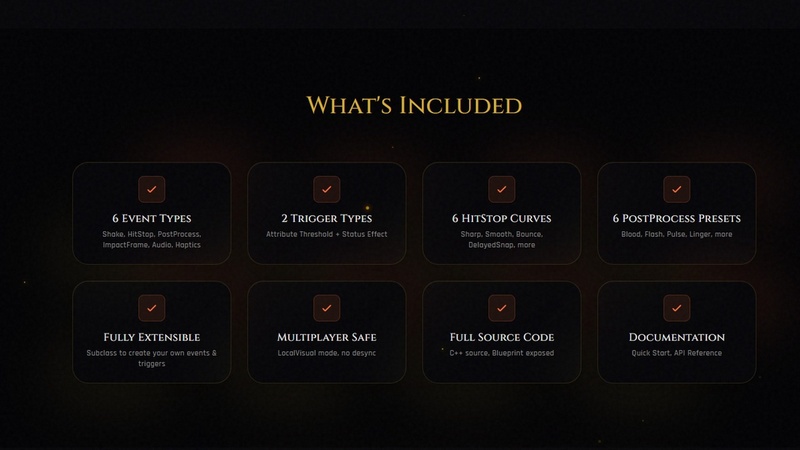
– 6 event types ready to use (Shake, HitStop, PostProcess x2, ImpactFrame, Audio, Haptics)
– 6 hit stop curve presets (Sharp, Smooth, EaseOut, Bounce, DelayedSnap, Custom)
– 6 post-process curve presets (SharpImpact, BloodSplatter, ScreenFlash, SmoothPulse, LingeringEffect, Custom)
– 2 trigger types (Attribute Threshold, Status Effect)
– Example config Data Asset
– 1 post-process material included (from Damage Screen Collection)
– Full documentation with Quick Start guide
Requirements:
– Unreal Engine: 5.5+
– Gameplay Abilities: Required (for attribute triggers)
– Niagara: Required (for Impact Frame VFX)
Features:
• 6 event types (Shake, HitStop, PostProcess, PostProcess Persistent, ImpactFrame, Audio, Haptics)
• 6 hit stop curve presets (Sharp, Smooth, EaseOut, Bounce, DelayedSnap, Custom)
• 6 post-process curve presets (SharpImpact, BloodSplatter, ScreenFlash, SmoothPulse, LingeringEffect, Custom)
• GAS attribute trigger with hysteresis
• Multiplayer-safe local visual time dilation
• Magnitude scaling on all effects
• Niagara VFX spawning with parameter mapping
Code Modules:
• AgenticFeedbackFX (Runtime)
• AgenticFeedbackFXEditor (Editor)
Number of Blueprints: 1
Number of C++ Classes: 13
Network Replicated: Yes
Supported Development Platforms:
• Windows: Yes
• Mac: Yes
Supported Unreal Engine Versions: 5.6 – 5.7
Supported Target Build Platforms: Windows, Mac, Linux, iOS, Android
Important/Additional Notes:
Requires UE 5.5+ with GameplayAbilities and Niagara plugins enabled. Component attaches to PlayerController.




Recent Comments