Physics Platformer Toolkit – Unreal Engine
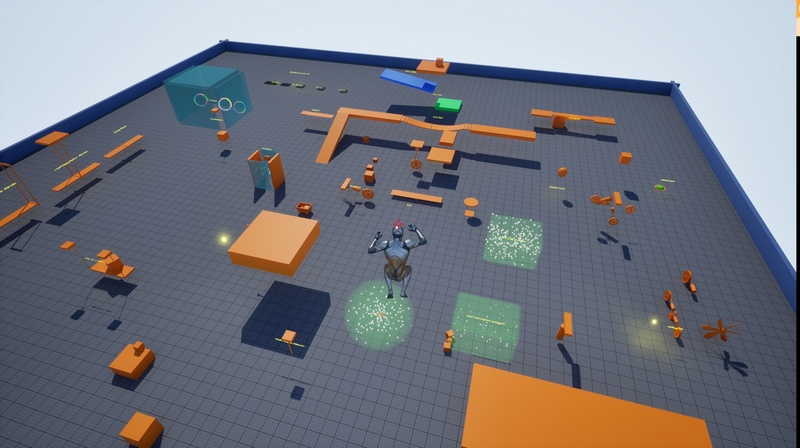
This is a first-of-its-kind UE5 toolkit built to help you create your own Physics-based Platformer.
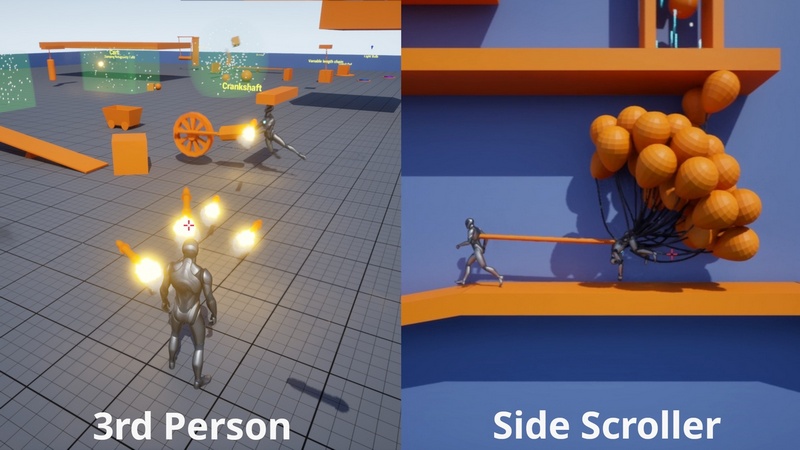
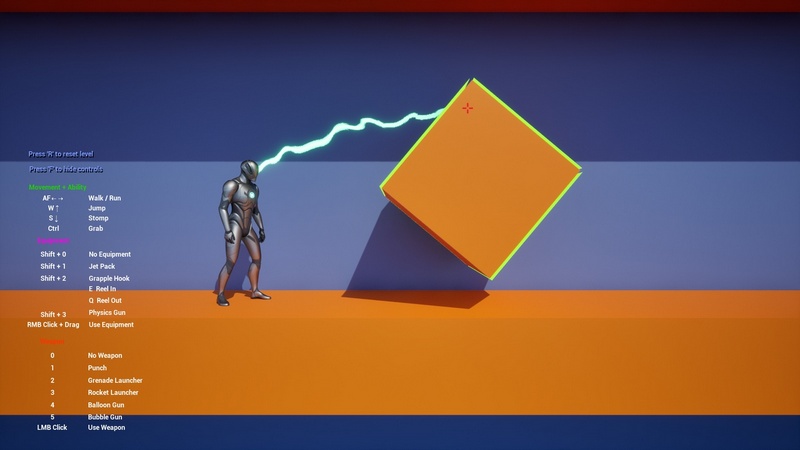
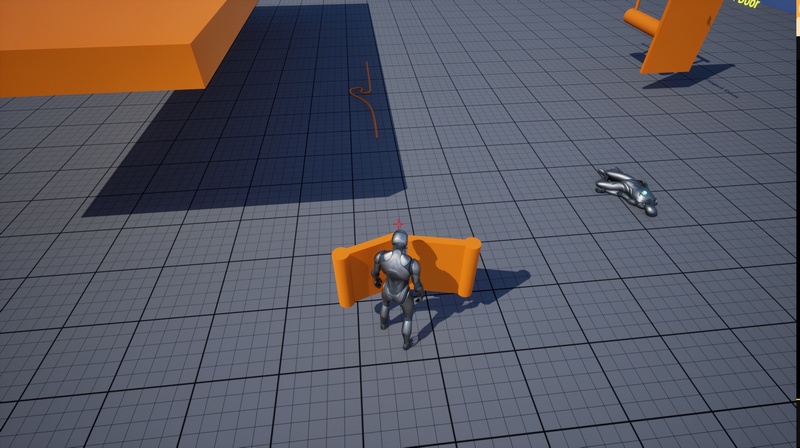
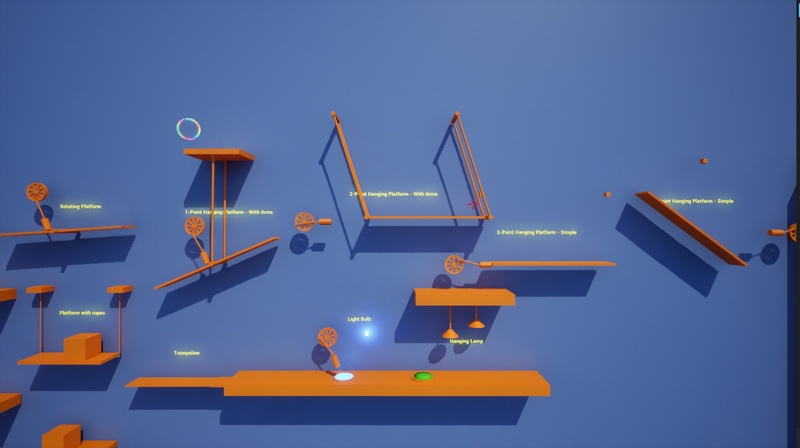
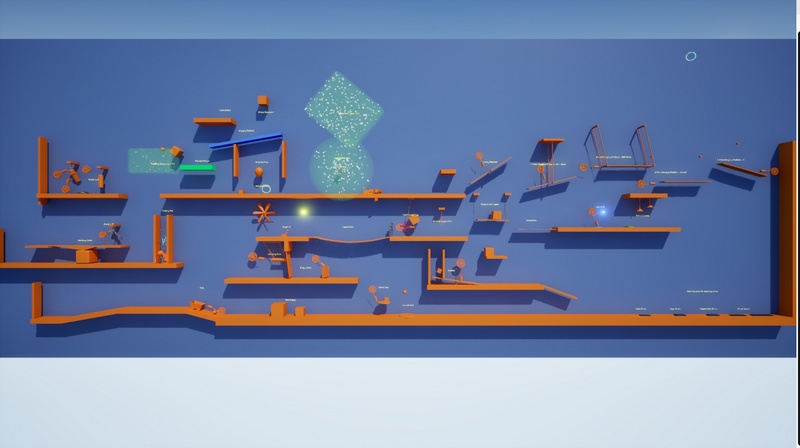
Whether you’re prototyping or building a full game, this pack gives you fully implemented characters (3rd Person and Side Scroller) with simulated capsule, weapons, equipment and 25+ physics-based gameplay elements.
Each asset is self-contained and can be used independently. Some of the assets can be configured per-instance in editor in order to create variation.
Key Features:
2 Types Fully Playable Characters : 3rd Person and Side Scroller
Variants
3rd Person Kinematic Character based on the default character
3rd Person Physics Character based on the default character
3rd Person Physics Character based on Pawn
Side Scroller Physics Character based on Pawn
Features:
Physics-simulated capsule, movement, and abilities
Character built from the bottom-up from the Pawn class
State machine built using the new UE5 default State Tree plugin
Includes:
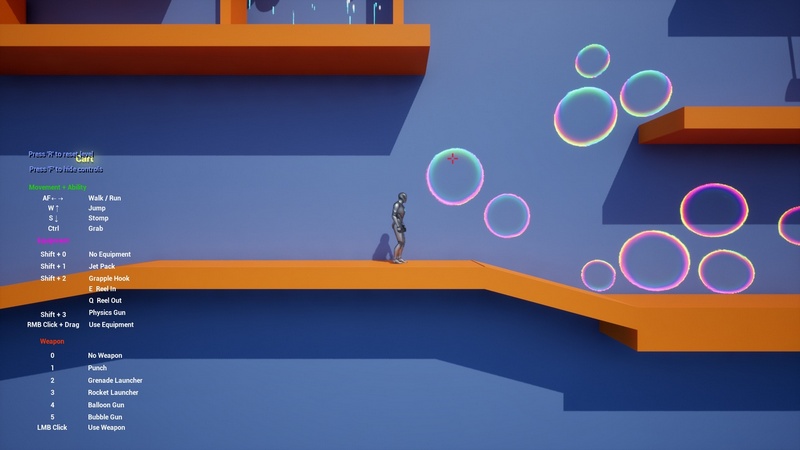
Movement: Walk/Run, Jump, Air Control
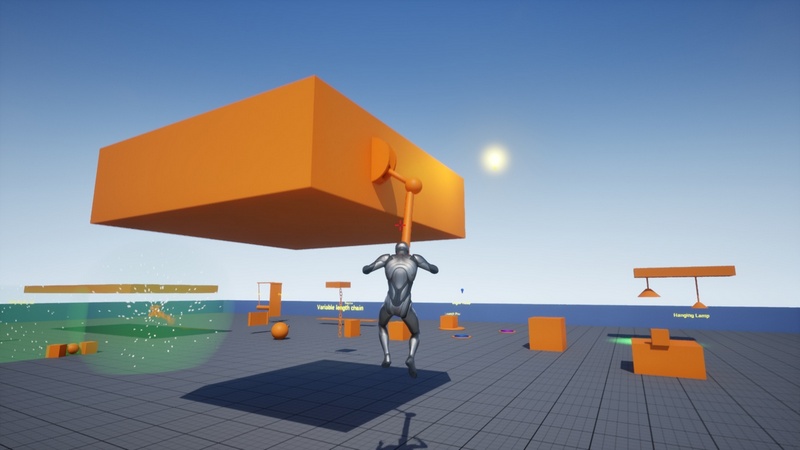
Abilities: Stomp, Grab Objects
Equipment: Jetpack, Grapple Hook, Physics Gun
Weapons: Punch, Rocket Launcher, Grenade Launcher, Balloon Gun, Bubble Gun
25+ Dynamic Physics Assets:
Core assets
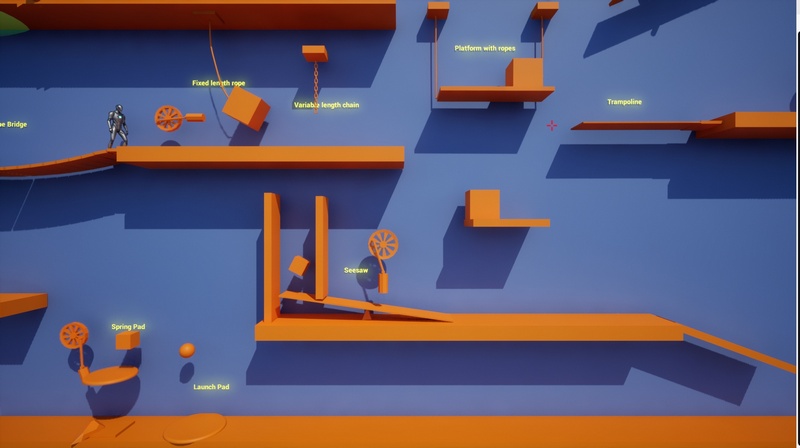
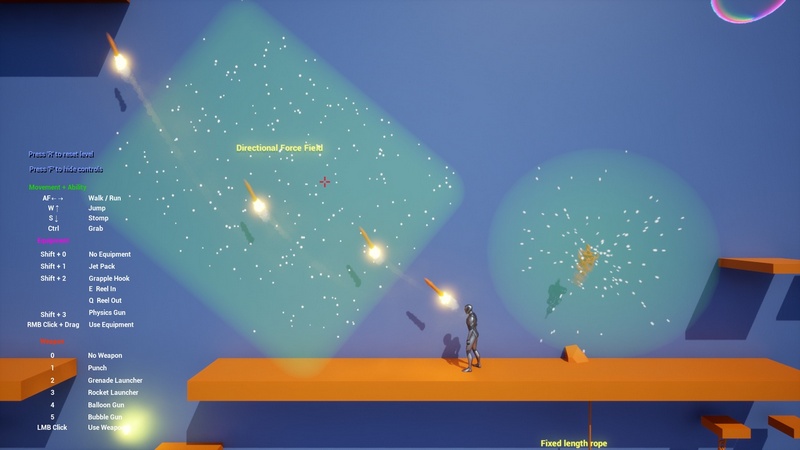
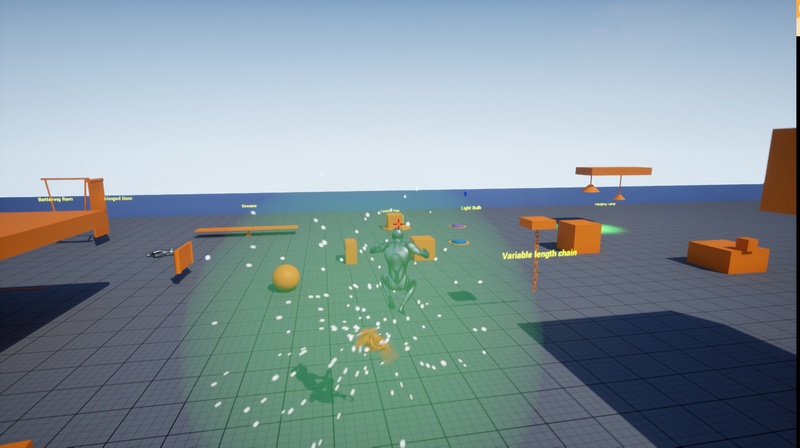
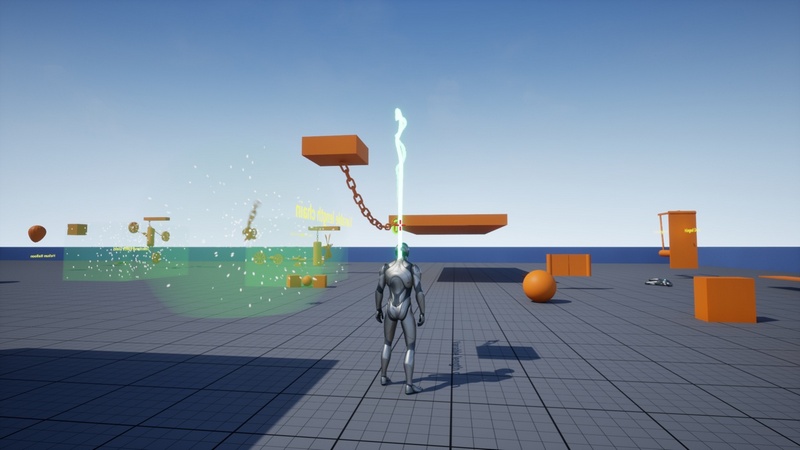
Variable length Chain, Fixed length rope
Pull Lever, Push Button, Light Bulb, Hanging Lamp
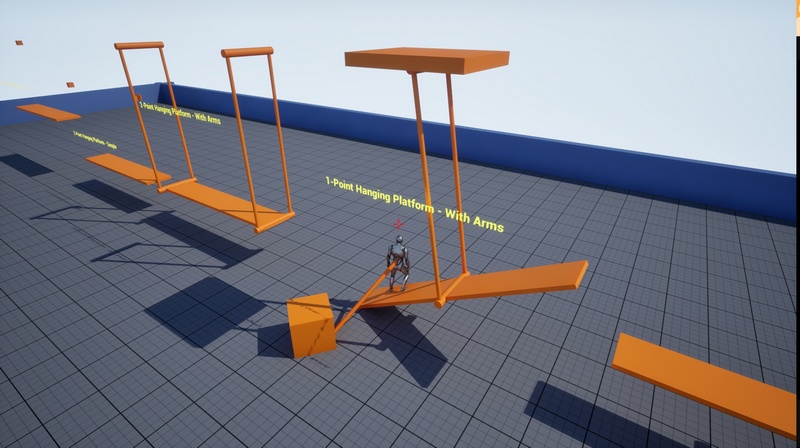
5 Types of hanging platforms
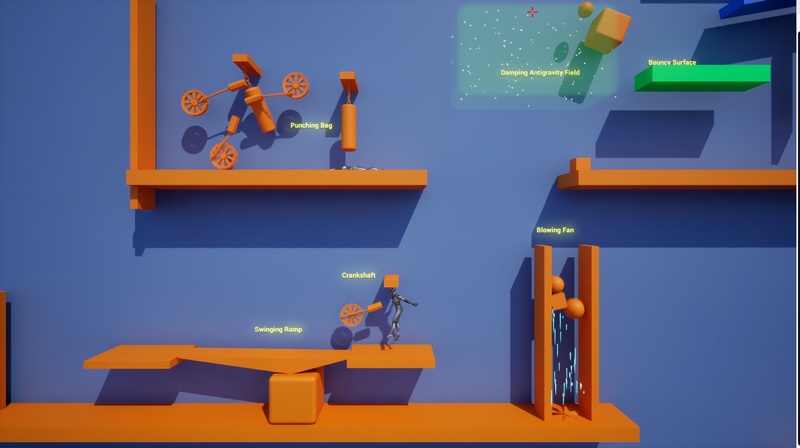
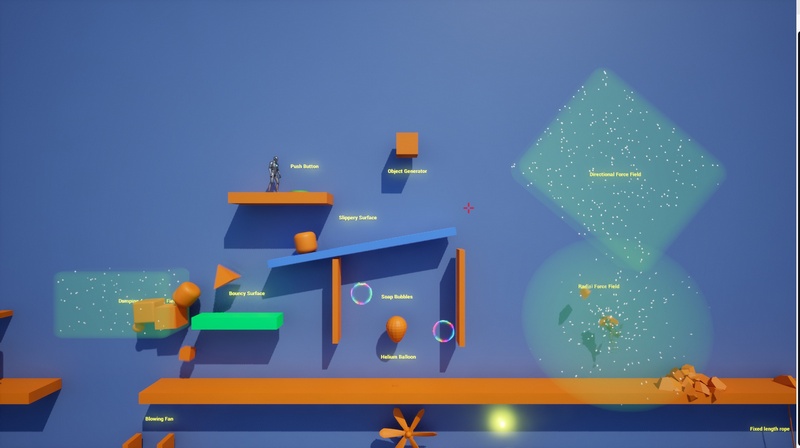
4 types of forcefields (directional, radial, damping, antigravity)
Blowing Fan
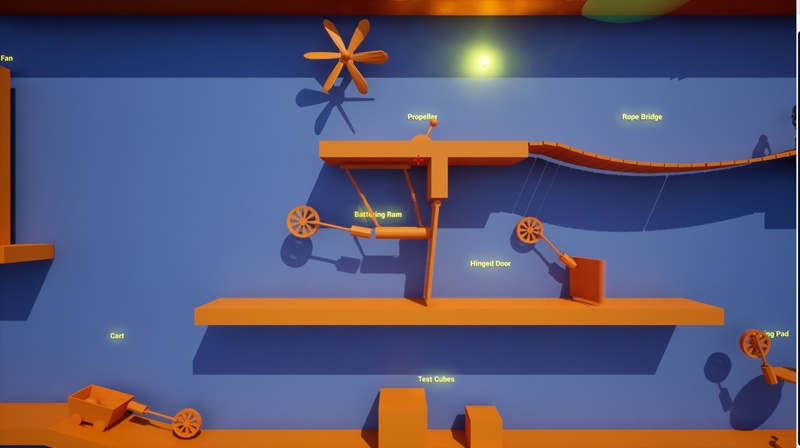
Hinged Door
Rope Bridge
Other assets
Physics surfaces (bounce, friction), Helium Balloon, Soap Bubble
Launch Pad, Spring Pad, Spring Board, Seesaw
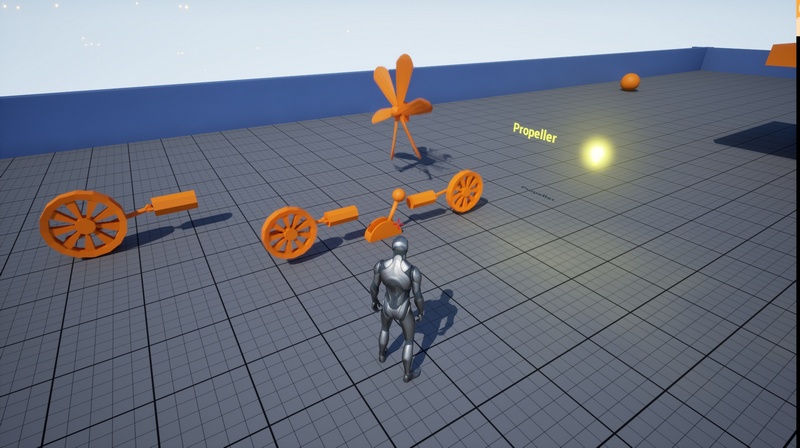
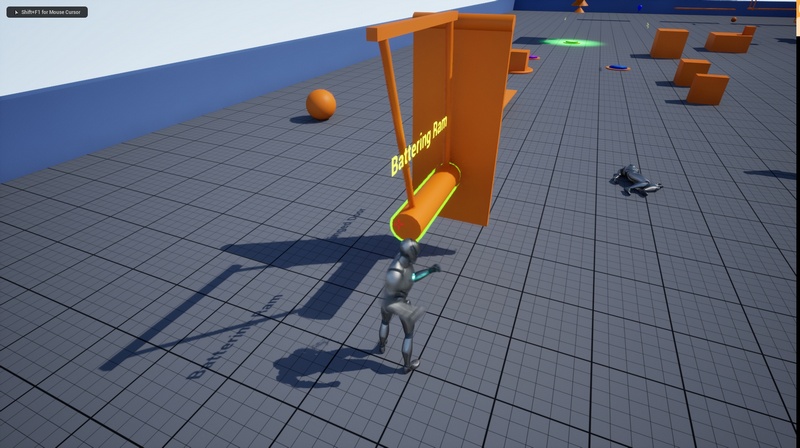
Simple cart, Battering Ram, Crankshaft (Flywheel), Simple Propeller, Punching Bag
Important Notes:
This toolkit needs State Tree UE5 plugin (see technical details).
This toolkit is focused on the physics simulation. The meshes, materials and effects are not the main focus of the pack, they are only provided in order to showcase the physics assets.
Physics simulation is usually unpredictable. While assets are designed to be reliable in most scenarios, some specific cases may require custom adjustments on your end.
Blueprints implementation only (no C++)
Not tested in VR.
Not tested in multiplayer.
Known issues:
The grapple hook visual representation is not correctly updated when latching onto a geometry collection. But the grapple does in fact work. There’s currently no way to get the location of a part of a geometry collection in Blueprints.
In a physics field, physics constraints break if one of the attached components goes to sleep. It seems to be an engine bug. The workaround used is a Physical Material which doesn’t sleep, applied on the components affected by the field.
Technical details:
Fully playable character with physics simulated capsule
Character implemented from scratch from the bottom up using the Pawn class
Fully implemented character state machine using the UE5 default State Tree Plugin
Physics simulated character abilities and weapons
25+ Types of physics assets
All assets use the default physics engine capabilities (no custom plugin)
Each asset can be used independently
Simple drag and drop and configure assets in the level editor
Some assets can be customized per instance in the level editor
No C++ used, only Blueprints
Number of Blueprints: 64 (35 of which are actor blueprints)
Number of Static meshes: 28
Number of Skeletal meshes: 1
Number of Niagara Systems: 6
Number of Materials and Material instances: 10
Number of Textures: 1
Number of Maps: 1
Used Plugins: StateTree, GameplayStateTree
Input:
Keyboard + Mouse
Game Controller
Supported Development Platforms: Windows
Network Replicated: No
Important/Additional Notes:
Multiplayer and VR not supported
Supported Unreal Engine Versions: 5.5 – 5.7

Recent Comments